Triggers
Triggers start a workflow. Each workflow has exactly one trigger.
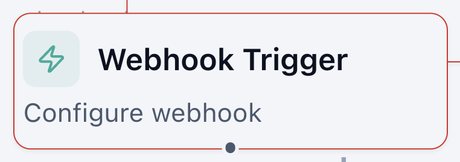
Webhook Trigger
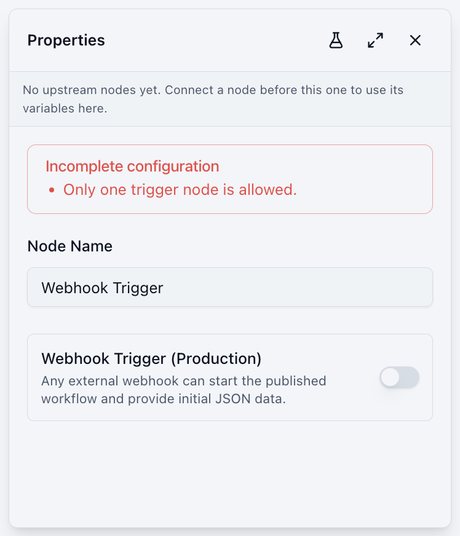
Starts when another tool (website form, CRM, Zapier, your own system) sends data to the workflow's private link.
- Switch on Webhook Trigger (Production) to get the private link, then paste it into the other tool.
- The live link runs the published version. Use Test to try it with sample data first.
- Also used for post-call automation: point your agent's post-call webhook here.
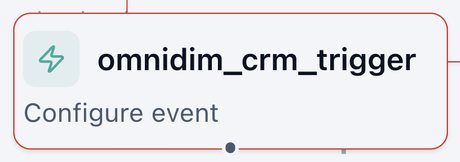
OmniDim CRM Trigger
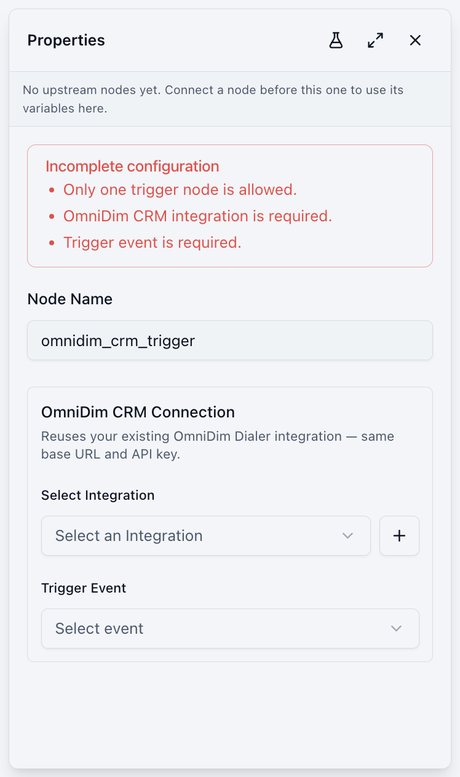
Starts on an OmniDimension CRM event, such as a new or updated lead.
- Integration: reuses your existing OmniDimension Dialer connection.
- Trigger Event: which CRM event starts the workflow.
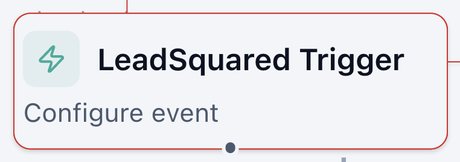
LeadSquared Trigger
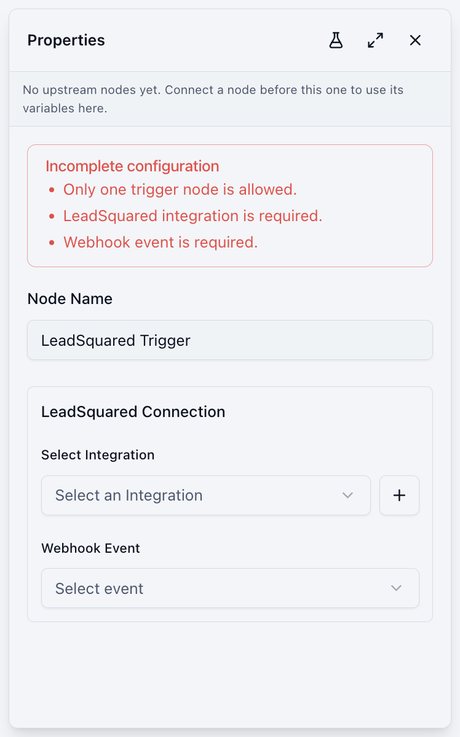
Starts on a LeadSquared event.
- LeadSquared Connection: your connected account, or add one with +.
- Webhook Event: the LeadSquared event to listen for.
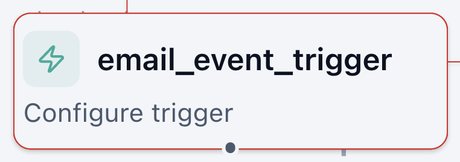
Email Event
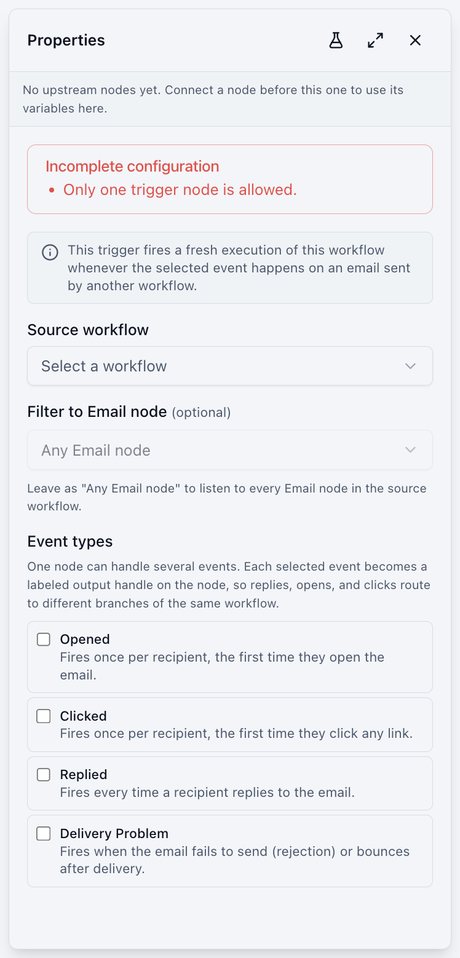
Starts when someone interacts with an email sent by another workflow.
- Source workflow: the workflow that sends the email. Optionally narrow it to one email node.
- Event types: Opened (first open), Clicked (first click), Replied (every reply), Delivery Problem (rejected or bounced).
- Each event you select becomes its own branch.
WhatsApp Inbound
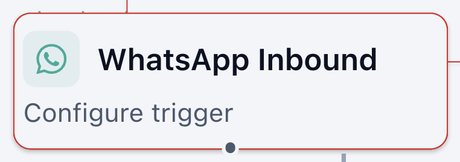
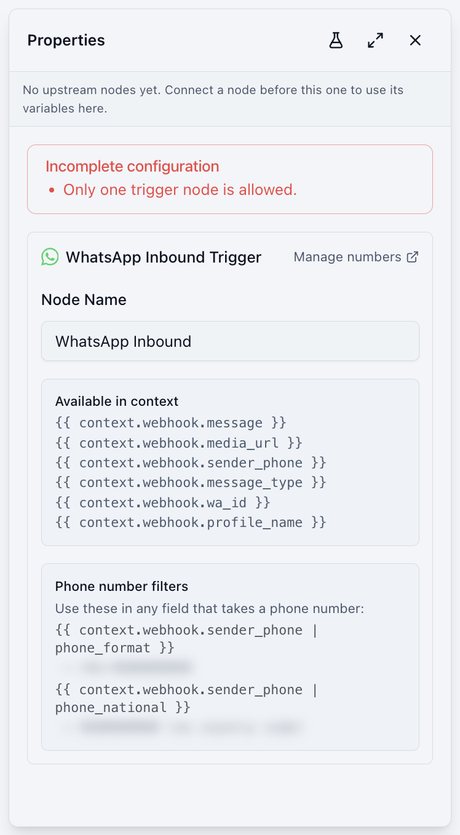
Starts when someone messages your connected WhatsApp number.
- Provides the message, any media link, the sender's phone, the message type, and the profile name.
- Manage numbers opens your WhatsApp numbers.
- Ready-made formats turn the sender's number into international or national format.
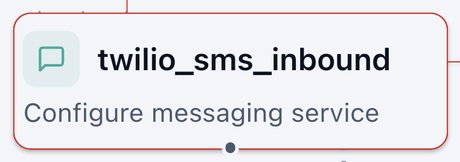
SMS Received (Twilio)
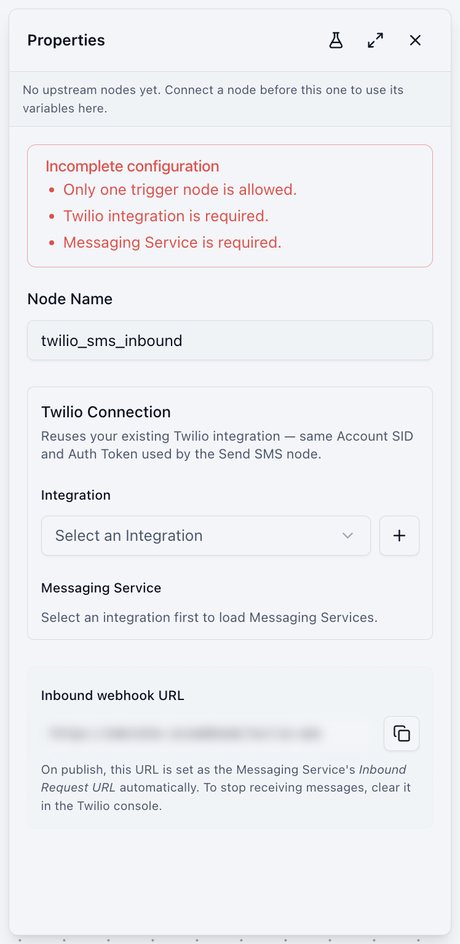
Starts when a text arrives on your Twilio number.
- Integration: your Twilio connection, the same one Send SMS uses.
- Messaging Service: which service's incoming texts to receive.
- On publish, the incoming-message link is set in Twilio automatically. To stop receiving messages, clear it in the Twilio console.
Shopify Trigger
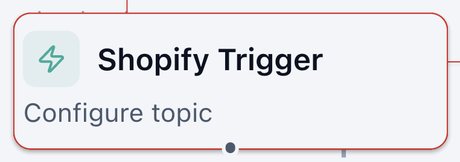
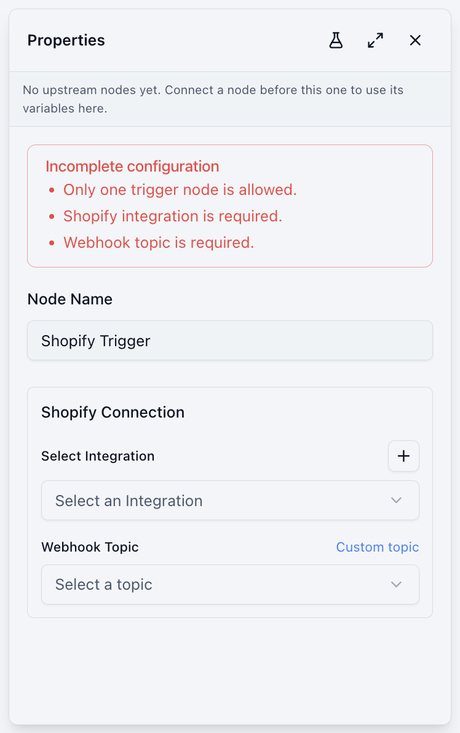
Starts on a Shopify store event, such as a new order.
- Shopify Connection: your store.
- Webhook Topic: pick an event, or enter a custom topic.
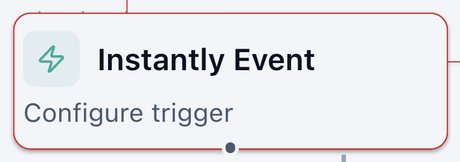
Instantly Event
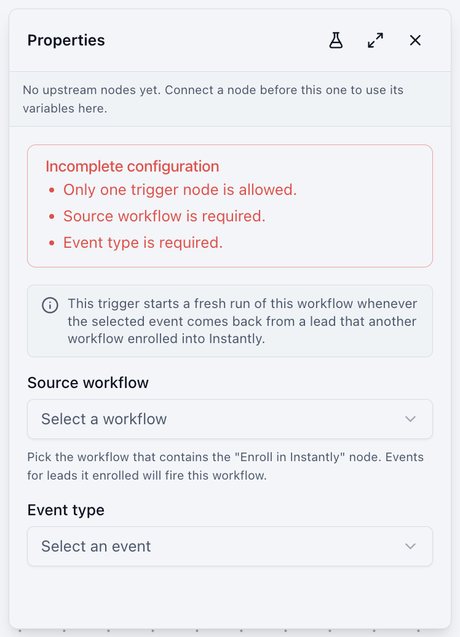
Starts when a lead enrolled by another workflow does something in Instantly, such as replying.
- Source workflow: the workflow containing the Enroll in Instantly node.
- Event type: the event to react to.