Messaging and calls
These nodes reach people through calls, texts, WhatsApp, and email.
Send Email
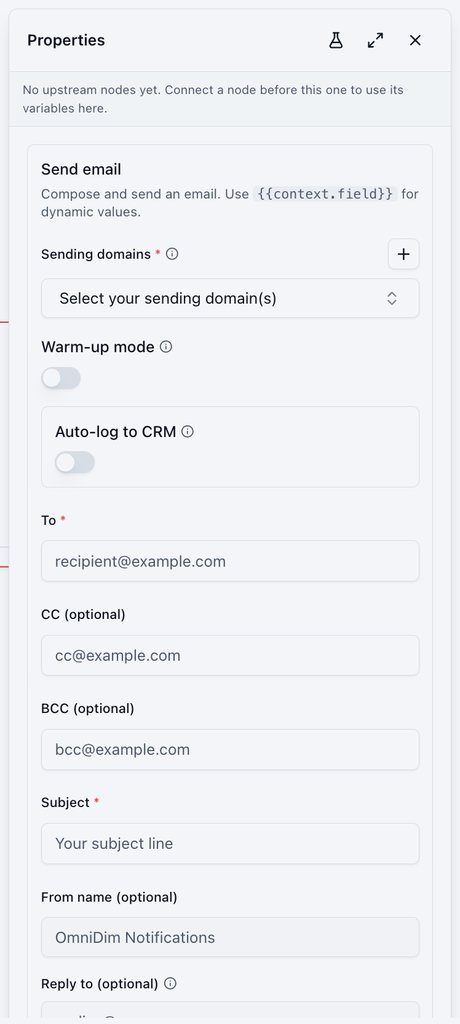
Sends an email from your verified sending domain.
- Sending domains, optional Warm-up mode and Auto-log to CRM.
- To, CC, BCC, Subject, From name, Reply to.
- Body (HTML) and an optional unsubscribe link. Insert personal details with
@.
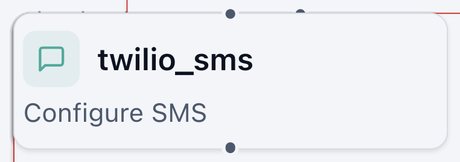
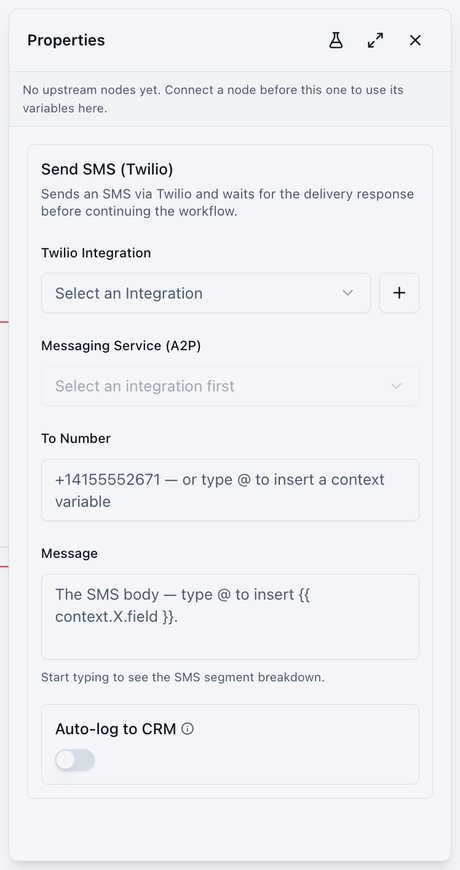
Send SMS (Twilio)
Sends a text and waits for the delivery result before continuing.
- Twilio Integration and Messaging Service.
- To Number and Message. A live counter shows how many SMS segments the message uses.
- Optional Auto-log to CRM.
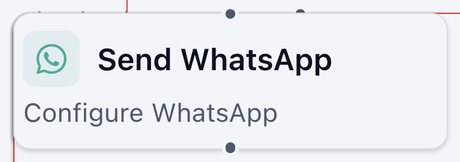
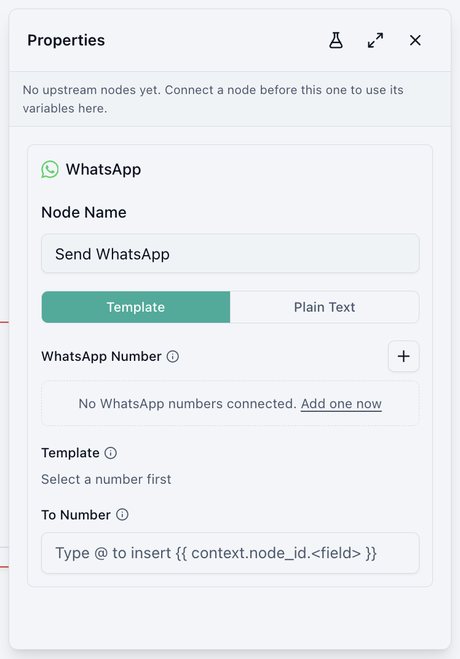
Sends a WhatsApp message.
- Template (pre-approved messages, needed to start a conversation) or Plain Text (inside an open conversation).
- WhatsApp Number, Template, and To Number.
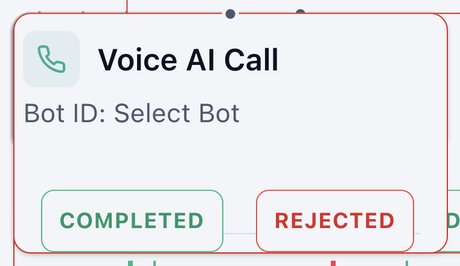
Voice AI Call
Has one of your Voice AI agents call someone.
Exits: COMPLETED, REJECTED
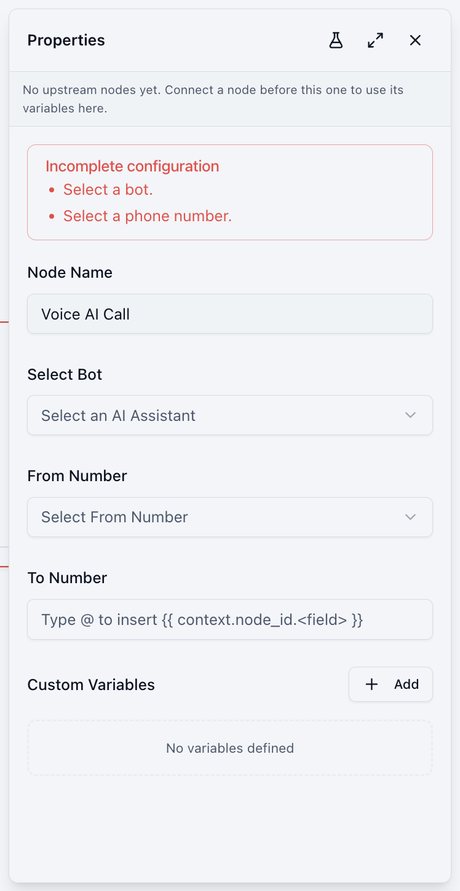
- Select Bot, From Number, and To Number in international format.
- Custom Variables pass extra details to the agent for a personal conversation.
- Afterwards, the call's status, summary, transcript, duration, and extracted answers are available to later nodes. See what a call node records.
Dialer
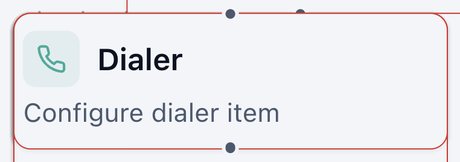
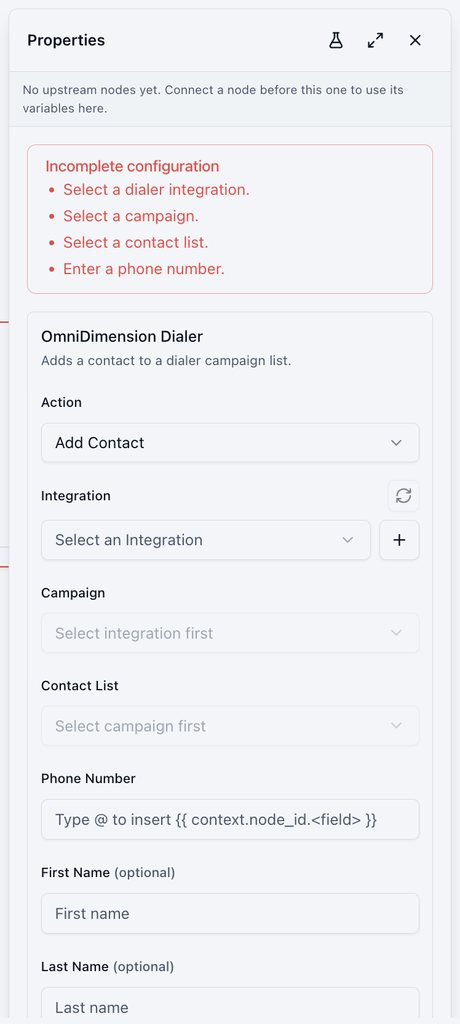
Adds a contact to an OmniDimension Dialer campaign list.
- Integration, Campaign, and Contact List.
- Phone Number, plus optional first name, last name, email, agent email, and extra fields.
Add to Bulk Call
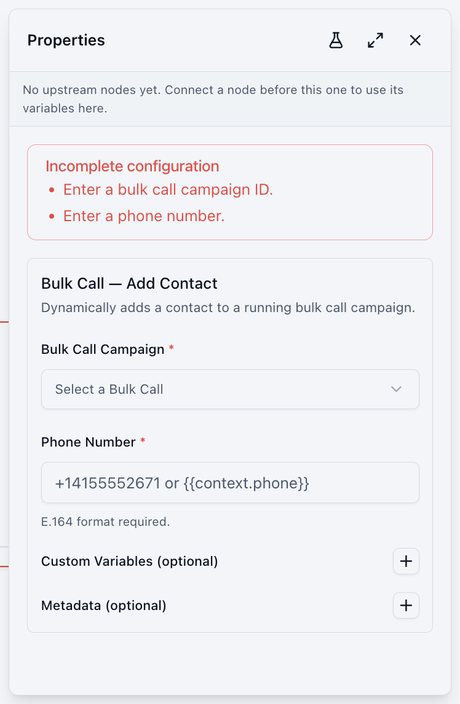
Adds a contact to a running Bulk Call campaign, for queued calling instead of an instant call.
- Bulk Call Campaign and Phone Number in international format.
- Optional Custom Variables and Metadata.
- Walkthrough: Example: from new lead to follow-up.