
Integrations
Connect workflows to any other tool.
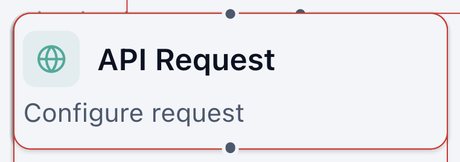
Custom API
Sends information to, or fetches it from, any other online system.
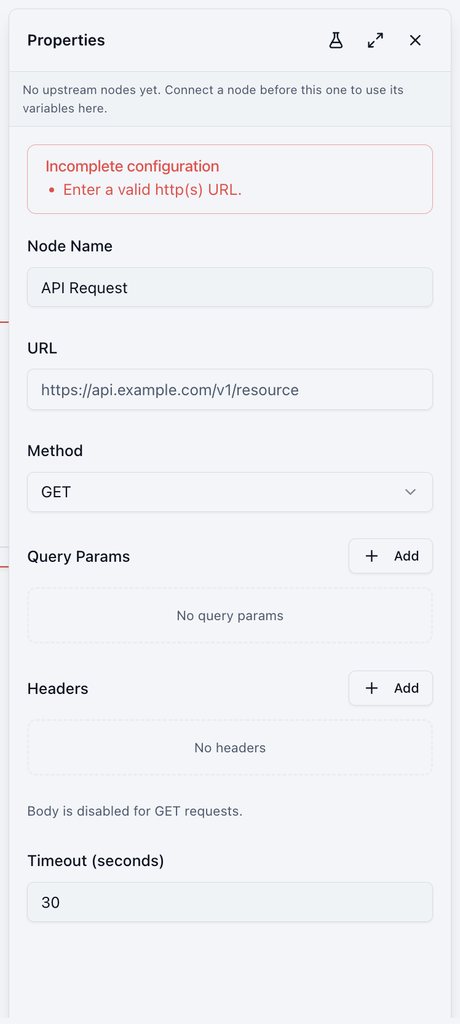
- URL and Method (GET, POST, PUT, PATCH, DELETE, HEAD, OPTIONS).
- Query Params and Headers.
- Body: JSON key/value, JSON free-form, form key/value, or raw text.
- Timeout in seconds (default 30).
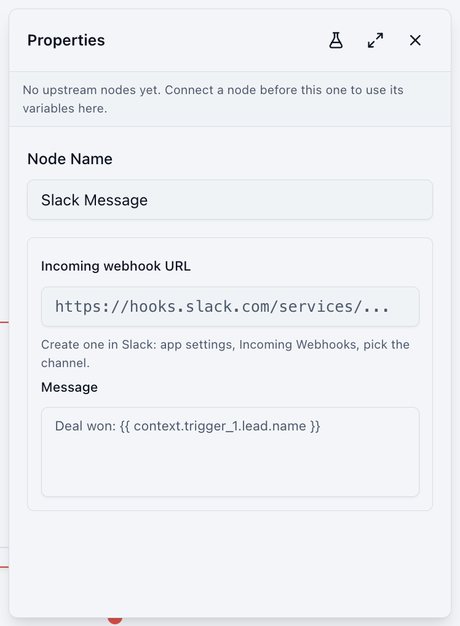
Slack Message
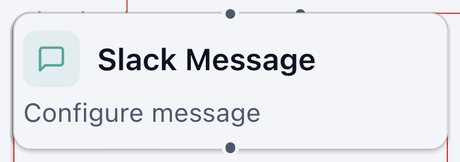
Posts a message to a Slack channel. It can send through a connected Slack integration or an incoming webhook.
- Connected Slack integration: pick the integration and give the channel as its Slack channel id (for example
C0123ABCD), not its name. The bot joins a public channel if needed. - Incoming webhook URL: create one in Slack under app settings, Incoming Webhooks, then pick the channel.
- Action (integration mode):
post(default),reply(needs the thread timestamp of an earlier message),update(needs the timestamp of the message to change),ephemeral(shows the message to one Slack user id), orschedule(sends at a Unix time you set). - Message, with details inserted using
@.
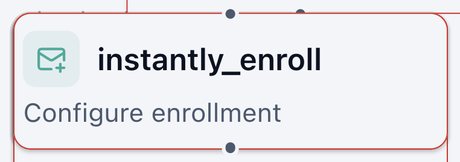
Enroll in Instantly
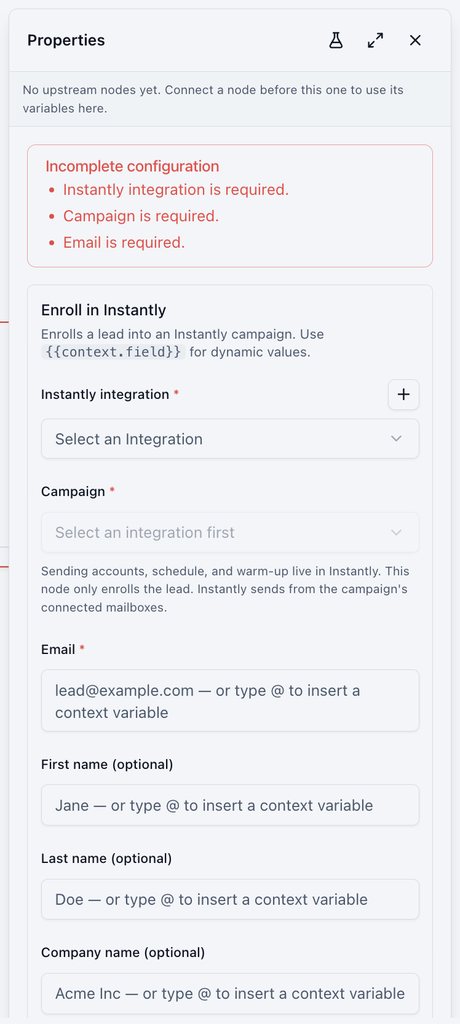
Adds a lead to an Instantly email campaign.
- Instantly integration and Campaign.
- Email, plus optional first name, last name, company, and custom variables.
- Sending schedule, mailboxes, and warm-up are managed in Instantly.
Was this page helpful?