Flow control
Flow control nodes make decisions, wait, and organize the canvas.
Condition
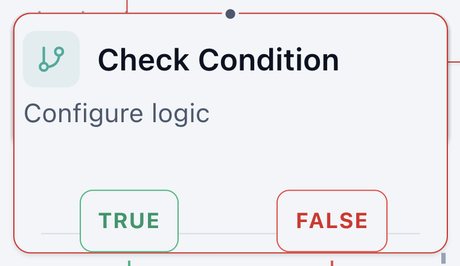
Asks a yes or no question and splits the flow.
Exits: TRUE, FALSE
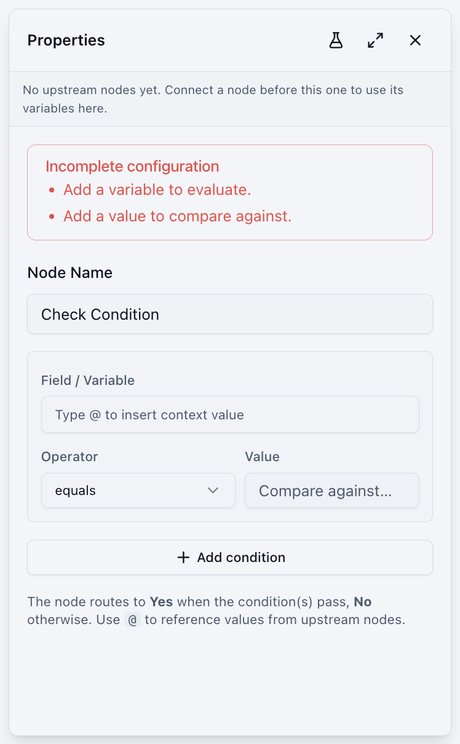
- Field / Variable, Operator, and Value.
- Add condition checks several things, matching all (AND) or any (OR).
- Operators: equals, not equals, contains, not contains, starts with, ends with, greater than, greater or equal, less than, less or equal, is true, is false, is empty, is not empty.
Switch
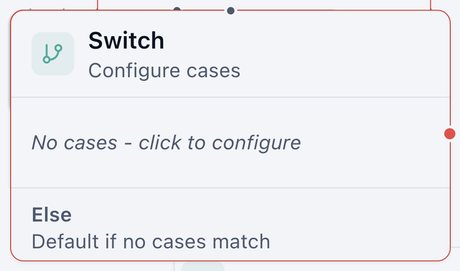
Chooses one of many paths.
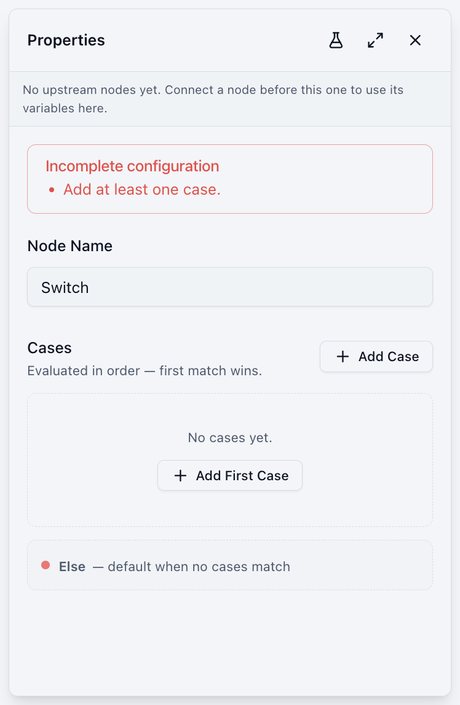
Exits: CASES, ELSE
- Cases are checked top to bottom, and the first match wins.
- Else catches anything that matched no case.
Delay
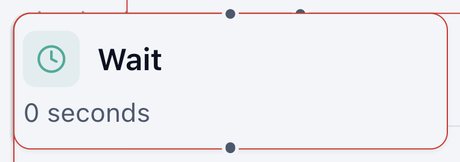
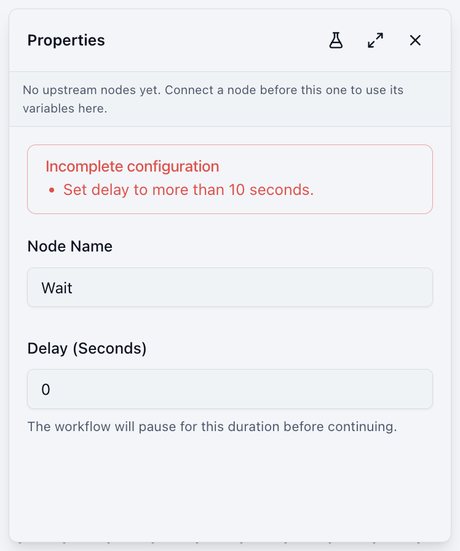
Pauses for a set time, then continues.
- Delay (Seconds): more than 10. For example 120 is 2 minutes, 3600 is 1 hour, 86400 is 1 day.
- Paused runs show as Waiting in Execution Logs.
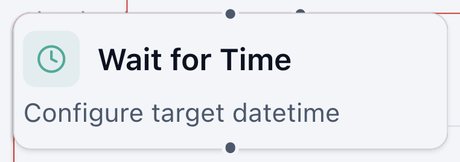
Wait for Time
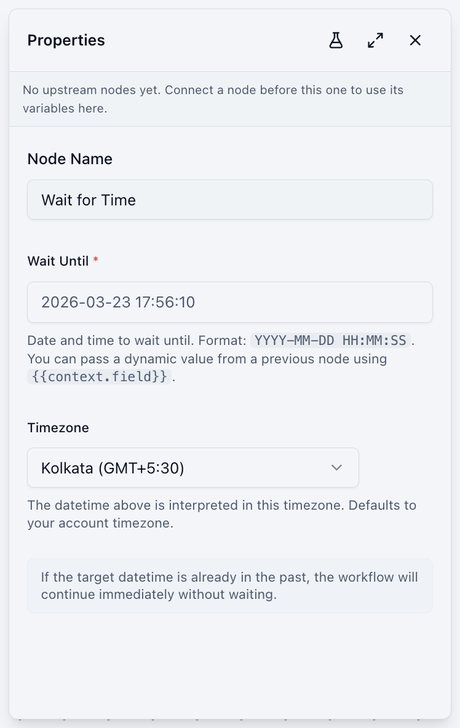
Pauses until a specific date and time.
- Wait Until:
YYYY-MM-DD HH:MM:SS. Can come from an earlier node, such as a requested callback time. - Timezone: defaults to your account timezone.
- If the time has already passed, the run continues immediately.
Time Condition
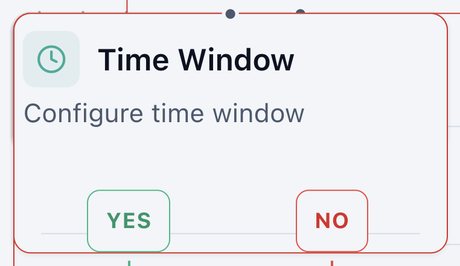
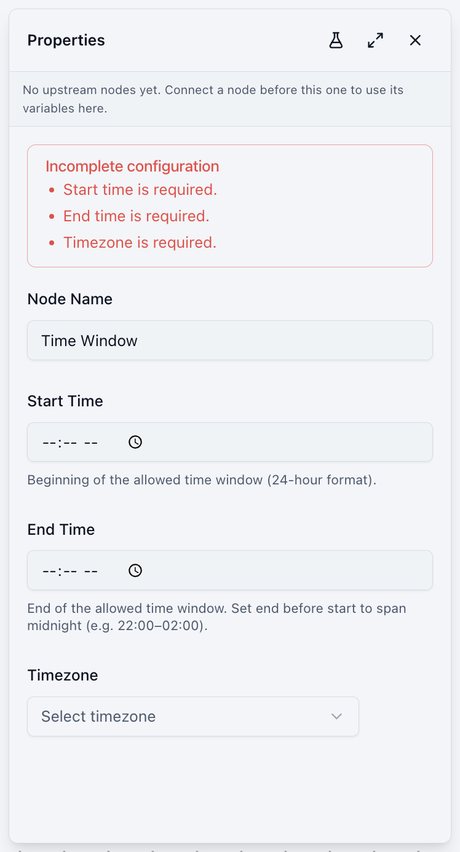
Checks whether now falls inside a time window, such as business hours.
Exits: YES, NO
- Start Time and End Time in 24-hour format. Set the end before the start to span midnight, for example 22:00 to 02:00.
- Timezone.
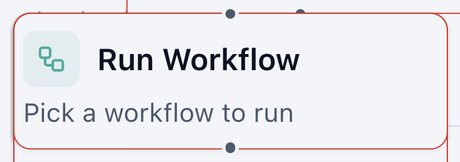
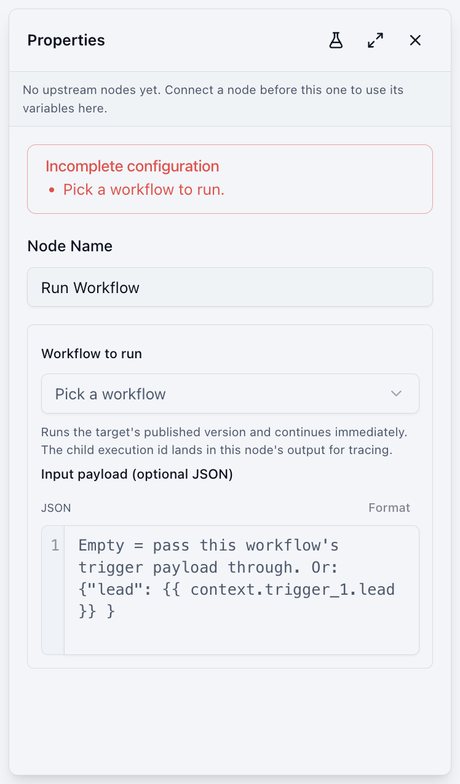
Run Workflow
Starts another workflow and continues immediately.
- Workflow to run: always runs its published version.
- Optional input data for the other workflow.
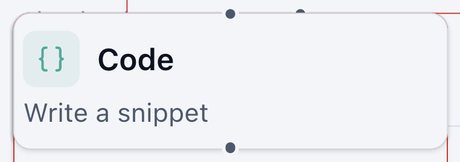
Code
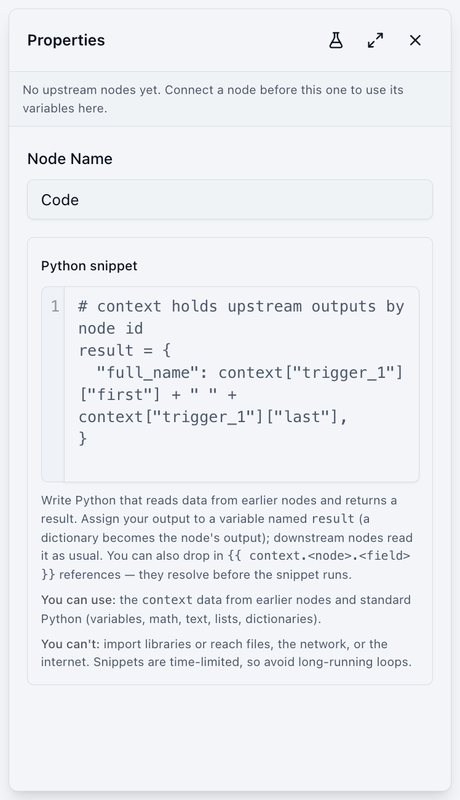
For advanced users: a short custom script that calculates or reshapes data.
- Reads information from earlier nodes and returns a result later nodes can use.
- Can't reach the internet or files, and scripts are time-limited.
Note
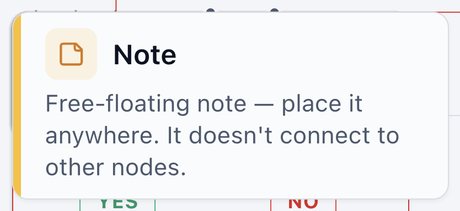
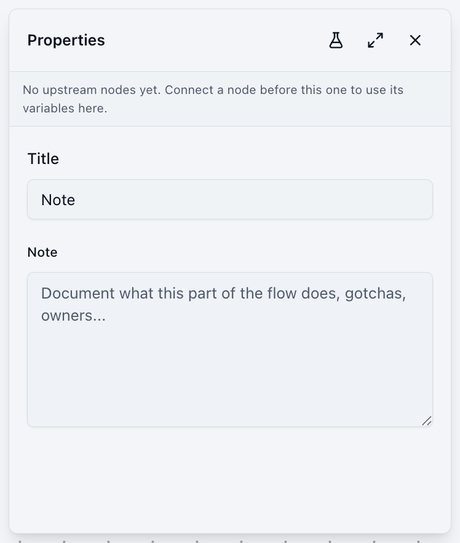
A sticky note on the canvas. It doesn't connect to anything and never runs.
- Explain parts of a workflow to teammates, as the templates do.