

WhatsAppReference
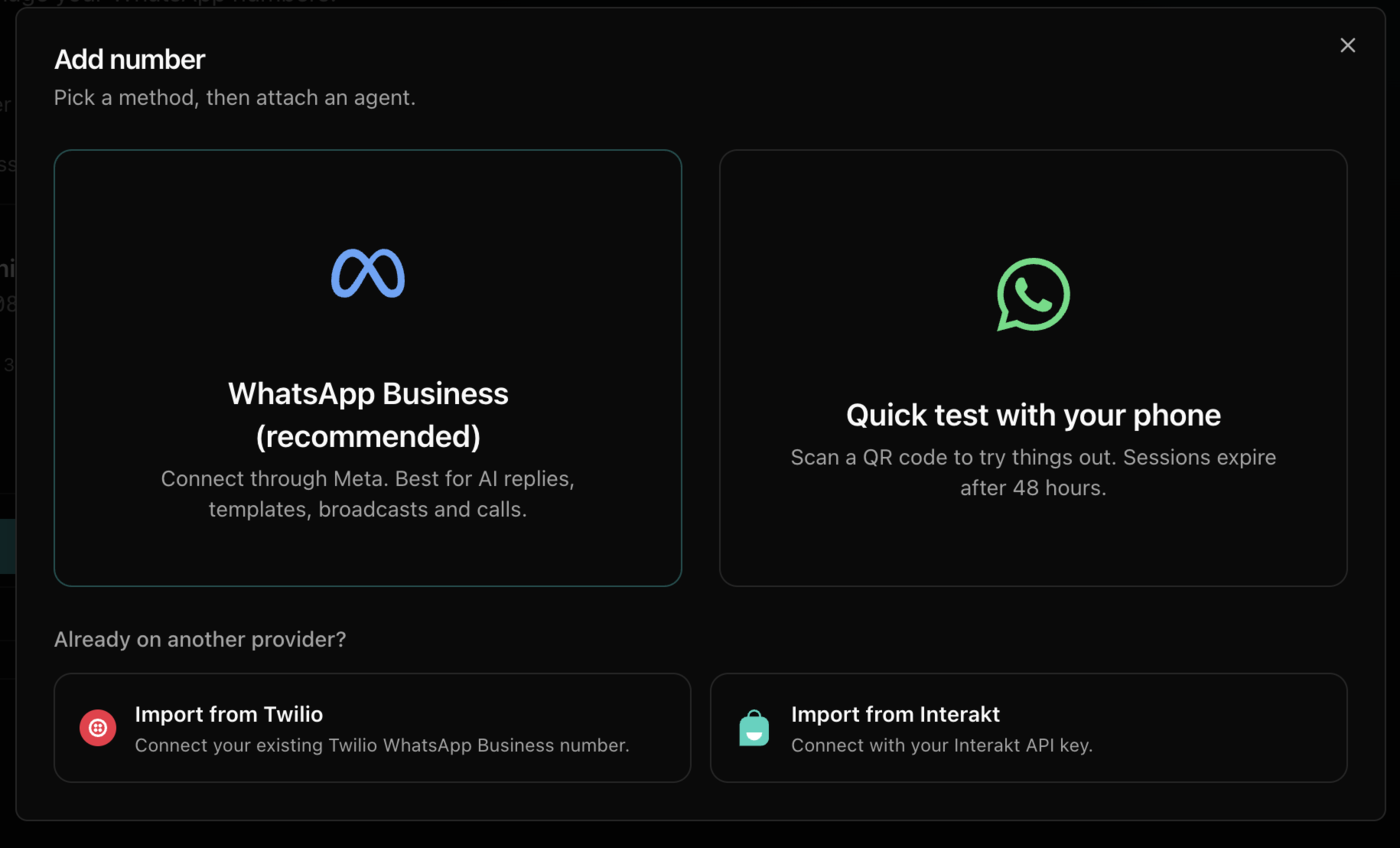
Quick test with your phone
Try your agent on WhatsApp in a few minutes by linking your own WhatsApp number with a QR code, with no Meta setup.
Link your own WhatsApp by QR code and see your agent answer in minutes. For testing only: the link expires after about 48 hours, and templates and broadcasts need a WhatsApp Business number.
Scan the QR code
On your phone, open WhatsApp, go to Settings → Linked Devices → Link a Device, and scan the code.
Attach an agent
On the number's card, open Choose agent next to Answered by, pick an agent, and click Attach agent.
Send a test message
Message your number from another phone. The agent replies.
To stop, click Remove agent, delete the number, or remove the device from Linked Devices on your phone.