

Turn on caller memory
Create a Memory pool, put your agents on it, and check that they remember callers.
Caller memory has two switches. The OmniDimension team turns the feature on for your organization, and you choose which agents use it by putting them on a Memory pool. An agent on no pool remembers nobody, so nothing changes until you do.
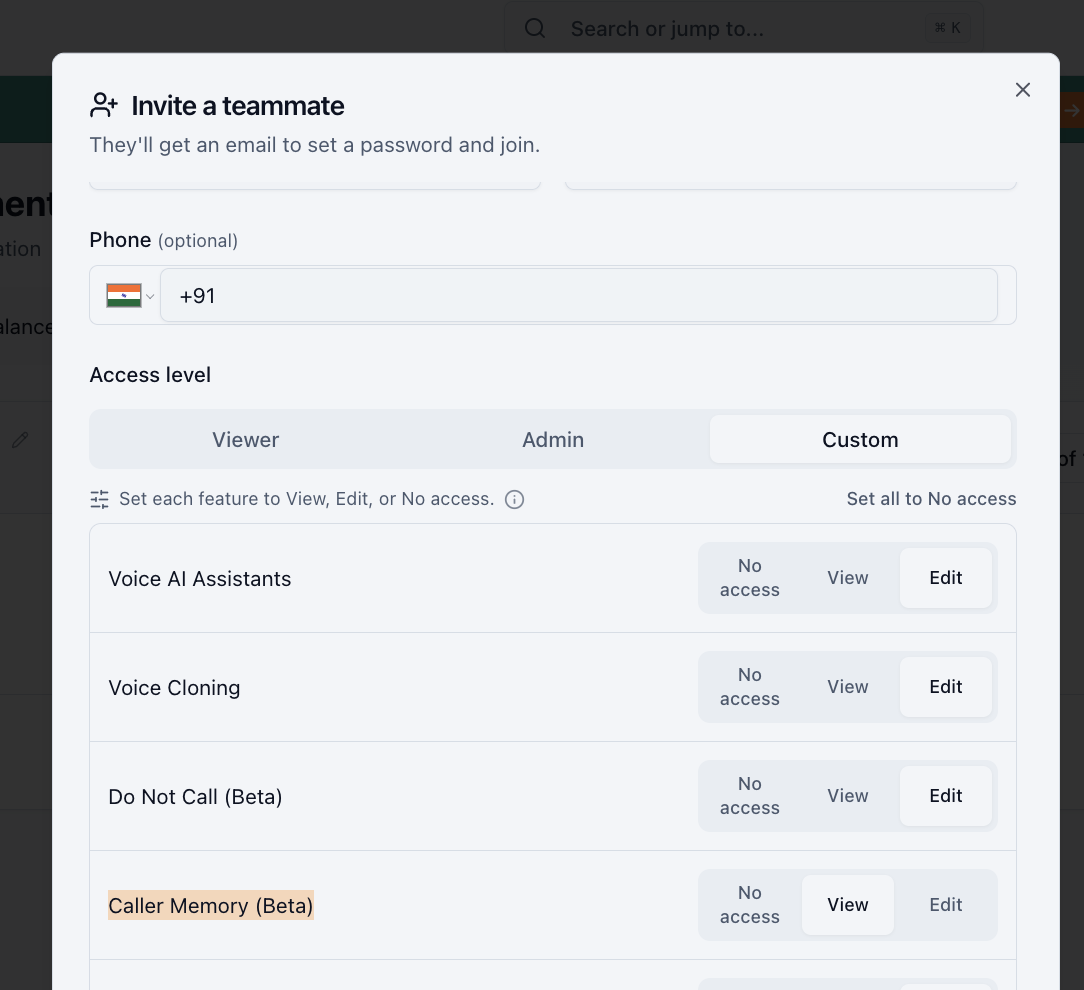
Give your team access
Once the feature is on, your organization's admin decides who can use it. In Team management, set Caller Memory (Beta) for each teammate:
- View lets them see what agents remember.
- Edit also lets them create pools, move agents between pools, and forget callers.
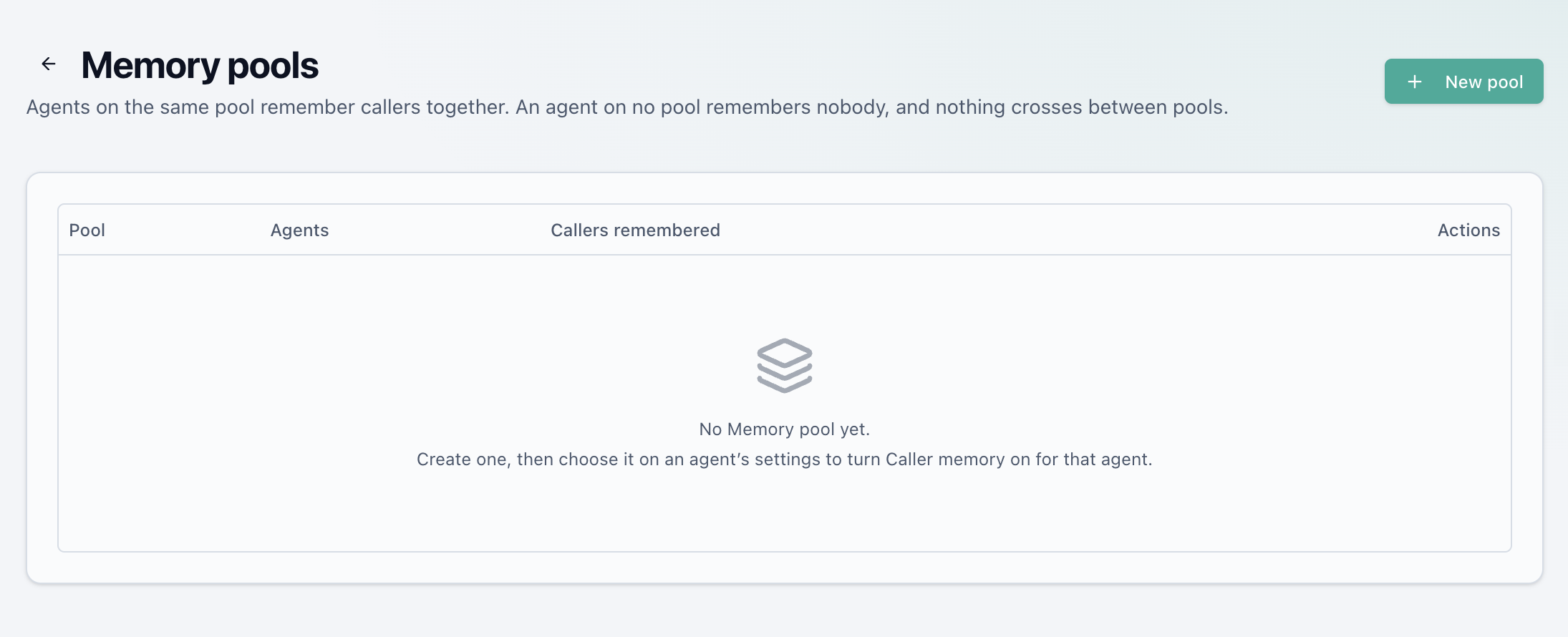
Create a Memory pool
Open Caller Memory from the sidebar, then Memory pools. A new organization has none.
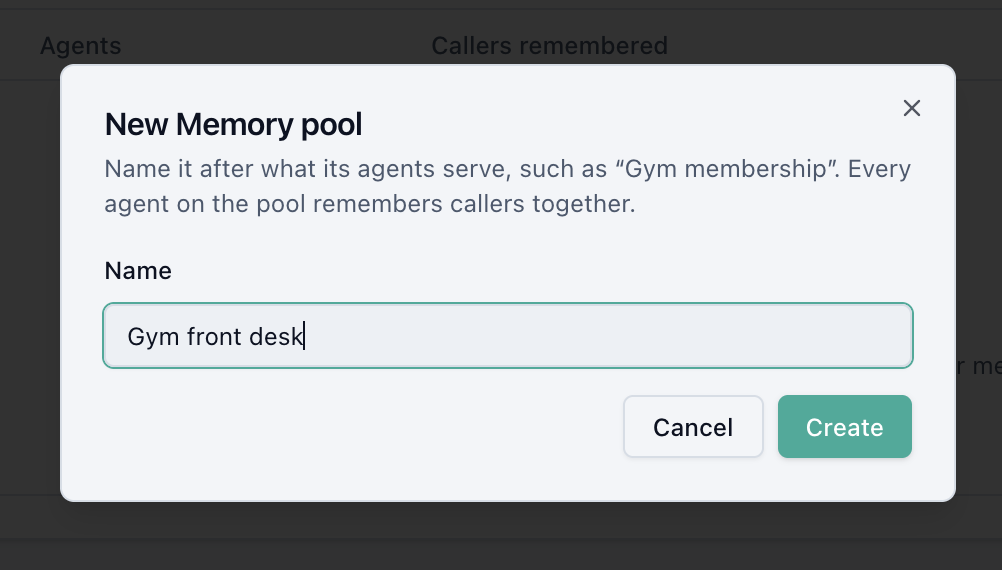
Select New pool and name it after what its agents serve, such as "Gym front desk" or "Candidate screening". Agents on the pool will share one memory of each caller.
Not sure how many pools you need? See Memory pools.
Put your agents on the pool
Open an agent's settings and expand Caller memory. Under Memory pool, choose the pool. No pool (memory off) is the default.
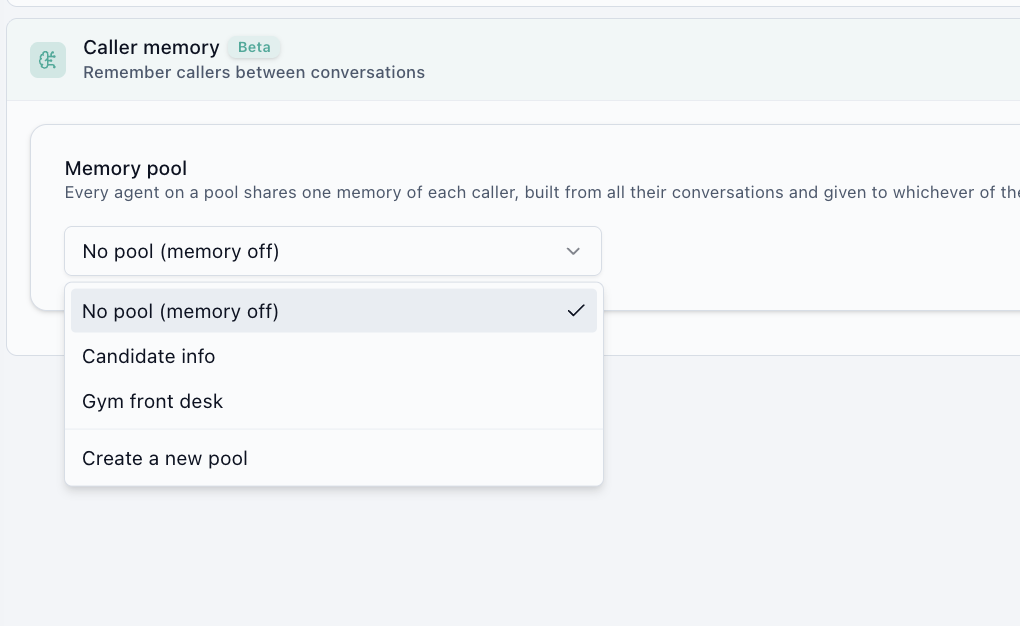
You can also create a pool right here: choose Create a new pool, type a name, and select Create.
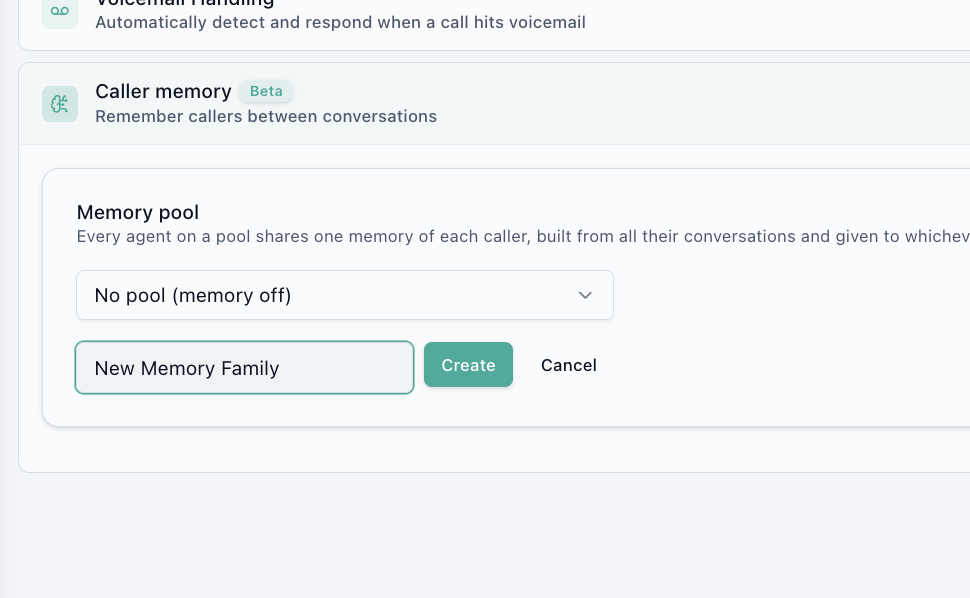
Repeat for every agent that should share this memory. The change applies from the agent's next conversation; you don't need to republish.
Test it
- Call the agent (or chat with it) and tell it something about yourself, such as your name and what you need.
- Wait a minute after the call ends. The memory is written once the conversation is over.
- Call again from the same number. The agent should greet you by name and pick up from the first call.
Check what it remembered
Open Caller Memory. Your number is in the list with the pool that remembers you. Open it to see exactly what the pool's agents will be told next time. See View and manage memory.
Turn memory off
To stop an agent remembering, set its Memory pool back to No pool (memory off). What the pool already remembers is kept for the other agents on it. To remove the memories too, forget the callers first, then delete the pool.